Switch DNS (WiFi / Bluetooth /1.3.1
Publisher Description
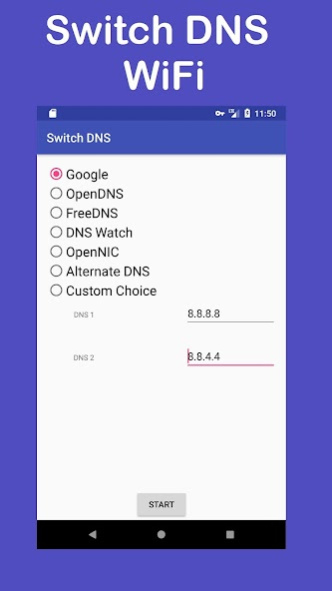
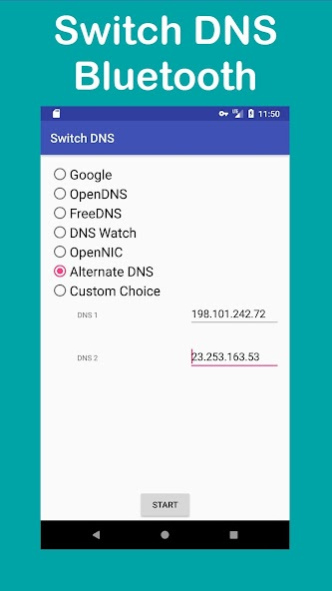
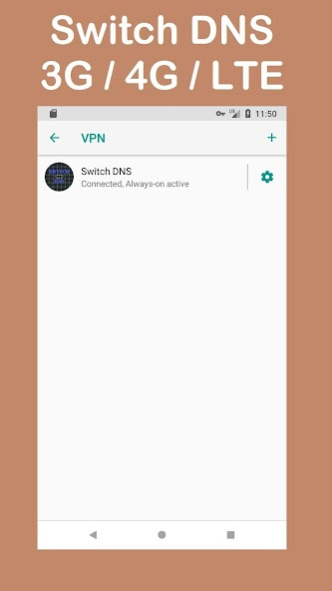
Switch your DNS setting to other free DNS servers of your choice. It runs as a VPN service in order to set the DNS setting.
DNS Changer - one press and change your DNS settings.
Features:
➤ No root required
➤ Simple to use
➤ Supports Tablet and smartphone
➤ Good resource management
➤ No frills, run with minimum RAM and CPU
➤ Supports WiFi / Bluetooth / Mobile Data Network (2G/3G/4G/LTE)
➤ Supports Android™ Jelly Bean onwards, KitKat, Lollipop, Marshmallow, Nougat, Oreo, Pie, Q
➤ DNS settings from Google, OpenDNS, FreeDNS, DNS Watch, OpenNIC, Alternate DNS
➤ Supports primary and secondary DNS servers
➤ Supports personal DNS servers
➤ Unblock content from ISP, access Geo blocked websites
➤ May improve web surfing
➤ Safe and Privacy focused, it does not connect to the Internet on its own
➤ No unnecessary function and permission
➤ Regular updates on functional DNS servers
➤ Unnecessary DNS are removed, you don't want to be swarmed with 20+ DNS choices
➤ Available DNS are picked for their strengths
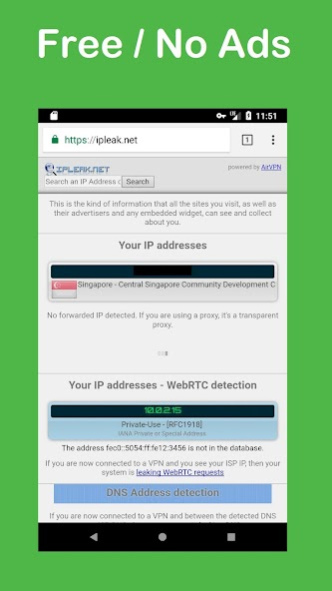
➤ Free and no ads. Yes, no ads, that's more privacy for you.
Does not work with tether. It does not work because of Android™ design.
Coming soon:
- Auto rotate DNS
- Leak tests (ipleak.net)
About Switch DNS (WiFi / Bluetooth /
The company that develops Switch DNS (WiFi / Bluetooth / is Fledgling Developers. The latest version released by its developer is 1.3.1.
To install Switch DNS (WiFi / Bluetooth / on your Android device, just click the green Continue To App button above to start the installation process. The app is listed on our website since 2020-09-26 and was downloaded 2 times. We have already checked if the download link is safe, however for your own protection we recommend that you scan the downloaded app with your antivirus. Your antivirus may detect the Switch DNS (WiFi / Bluetooth / as malware as malware if the download link to edu.personal.privateapps.virtualnet is broken.
How to install Switch DNS (WiFi / Bluetooth / on your Android device:
- Click on the Continue To App button on our website. This will redirect you to Google Play.
- Once the Switch DNS (WiFi / Bluetooth / is shown in the Google Play listing of your Android device, you can start its download and installation. Tap on the Install button located below the search bar and to the right of the app icon.
- A pop-up window with the permissions required by Switch DNS (WiFi / Bluetooth / will be shown. Click on Accept to continue the process.
- Switch DNS (WiFi / Bluetooth / will be downloaded onto your device, displaying a progress. Once the download completes, the installation will start and you'll get a notification after the installation is finished.
Program Details
System requirements
Download information
Pricing
Version History
version 1.3.1
posted on 2020-09-26
Libraries update 4.0.1
Previously:
- Migrate to AndroidX
- Recompile to support Android Pie API 28 Revision 6
- Optimization code size
- Change custom choice
- Fix orientation bug
- Fix Icon for Android 7 and above
You can manually set:
1. FreeDNS (37.235.1.174) (37.235.1.177)
2. DNS.WATCH (84.200.69.80) (84.200.70.40)
3. Norton ConnectSafe (199.85.126.10) (199.85.127.10)
4. CleanBrowsing (185.228.168.9) (185.228.169.9)
- Add webview to show DNS from ipleak.net
- Webview doesnt do images
